|
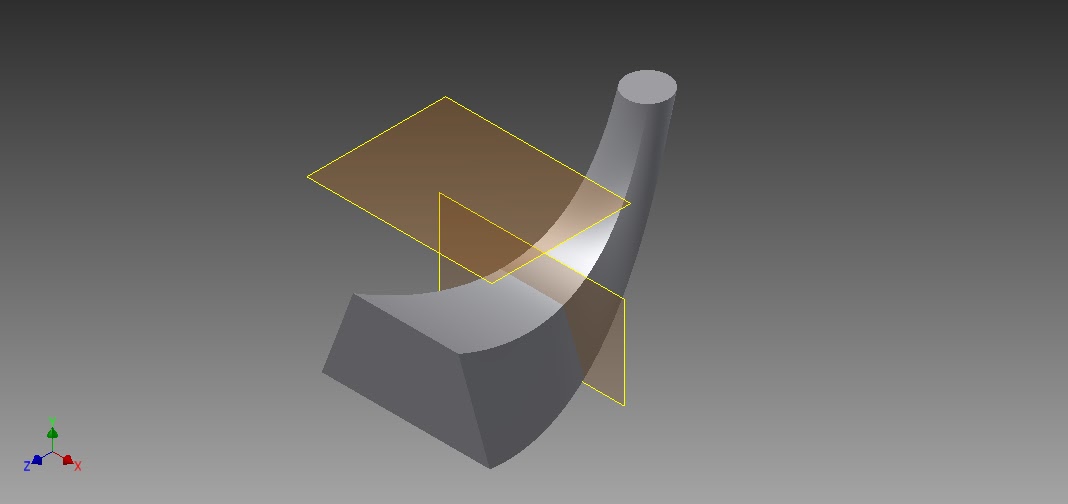
| Midplane Extrusion Sketch |
 |
| Intersecting Extrusion Sketch |
 |
| Extrude Taper Sketch |
 |
| Revolve Bushing Sketch |
 |
| Hole Sketch |
 |
| Loft Sketch |
 |
| Circular Pattern Sketch |
 |
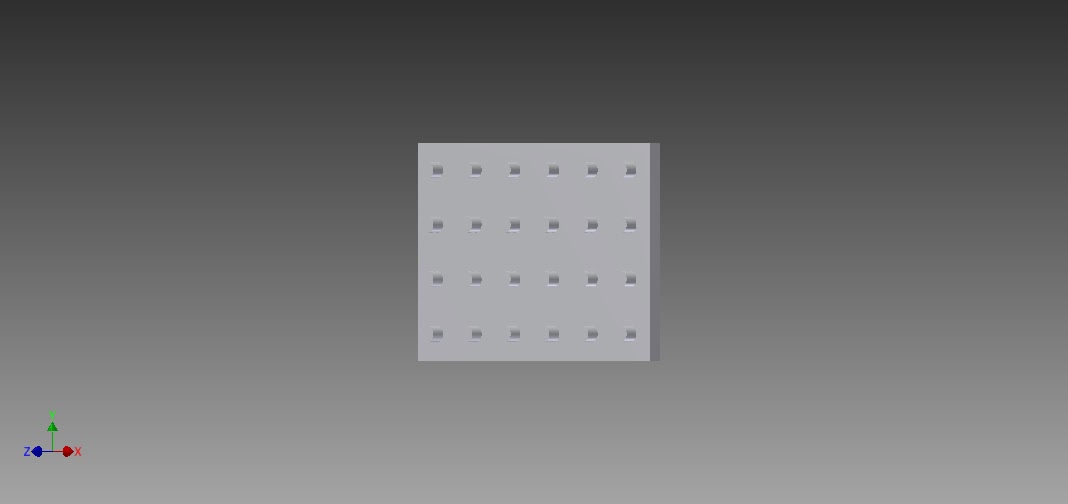
| Rectangular Pattern Sketch |
 |
| Pattern Along a Path Sketch |
 |
| Lunch Tray Sketch |
 |
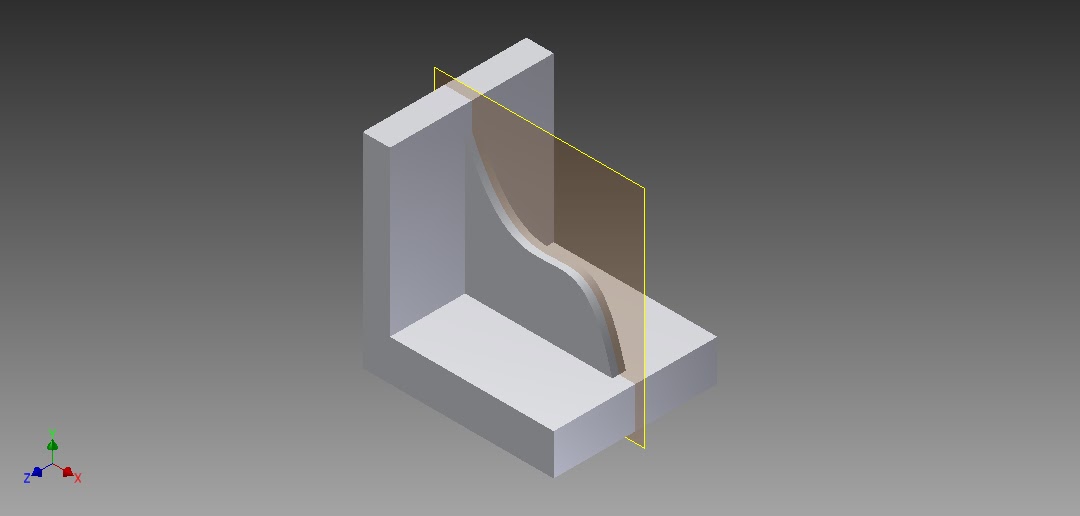
| Rib Support Sketch |
 |
| Sweep Sketch |
 |
| Coil Sketch |
 |
| Thread Sketch |
 |
| Fillet Chamfer Sketch |
 |
| Mirror Sketch |
 |
| Wrist Band Sketch |
 |
| Water Bottle Sketch |
Conclusion
1. What 3-D CAD functions could be used to create a wire coat hanger?
I believe that the Sweep 3-D CAD feature could be used to create a wire coat hanger.
2. What feature would be used to create a 3-D representation of a spindle that was created on a wood lathe?
A 3-D representatiuon of a spindle on a wood lathe would use the feature Coil.
3. How does a 3-D CAD solid model program keep track of the changes that are made to an object?
On the left side on the screen, there is a panel that states "Model", underneath, there is a list of all of the objects and all of the changes you have made to those objects.
4. If a mistake is made, how does the user make a correction without using the undo function?
To make a correction without the use of the undo feature, a mistake can be reversed by deleting the change on the model panel on the left side of the page, or by canceling the current change.